Change a QR's destination without reprinting
The great advantage of a dynamic QR is being able to change its destination at any time. The printed code stays valid; only the information stored in Trazio is updated.
- 1
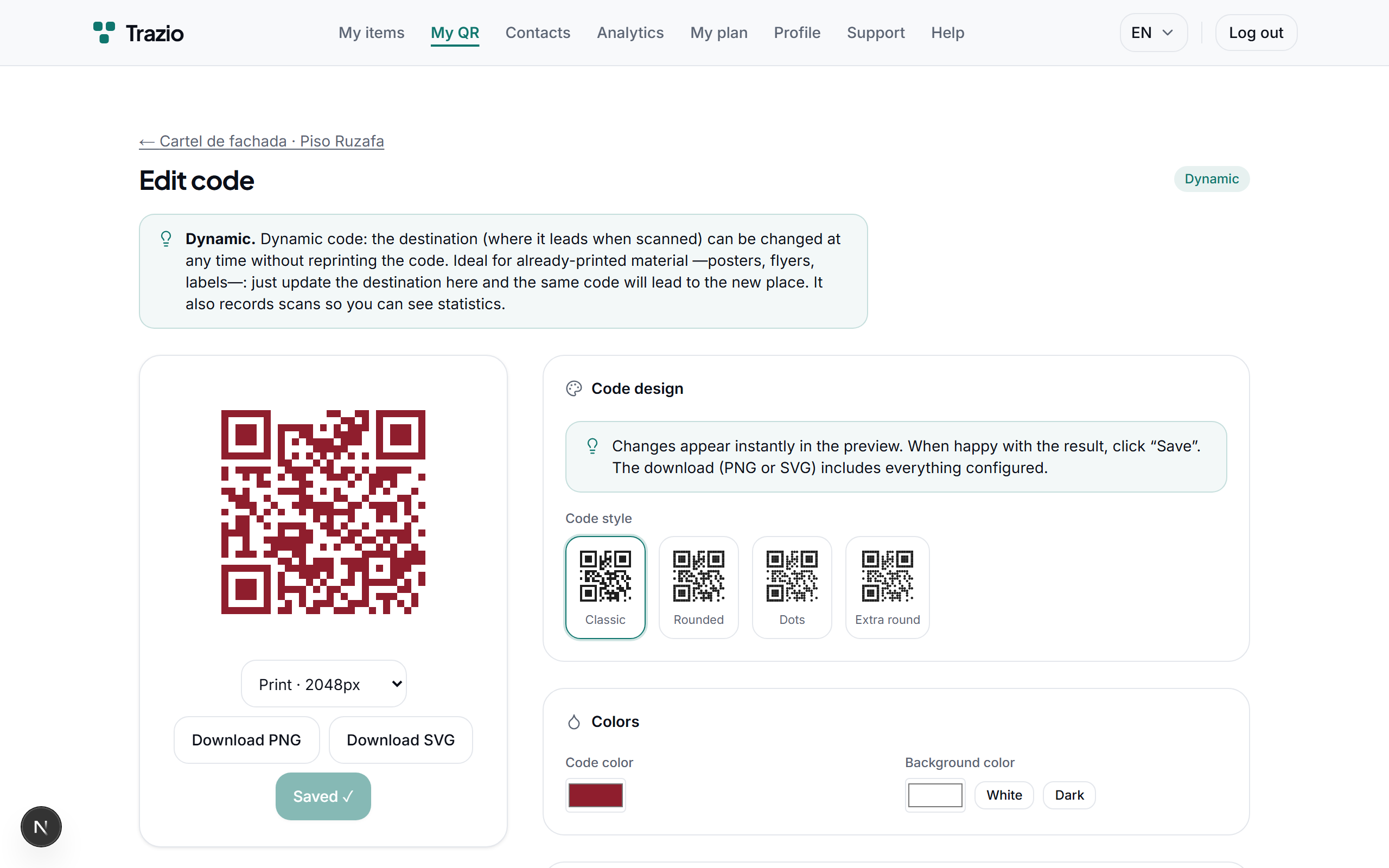
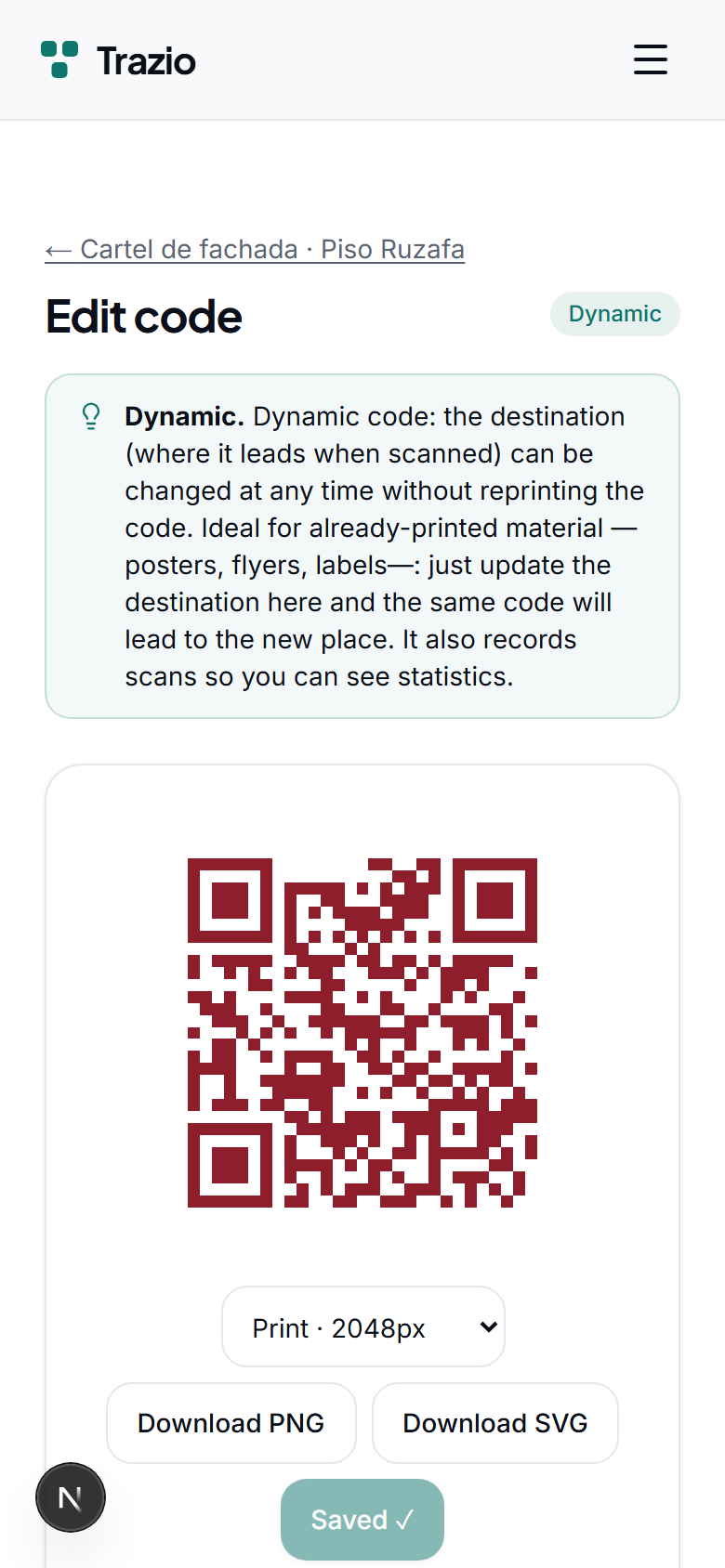
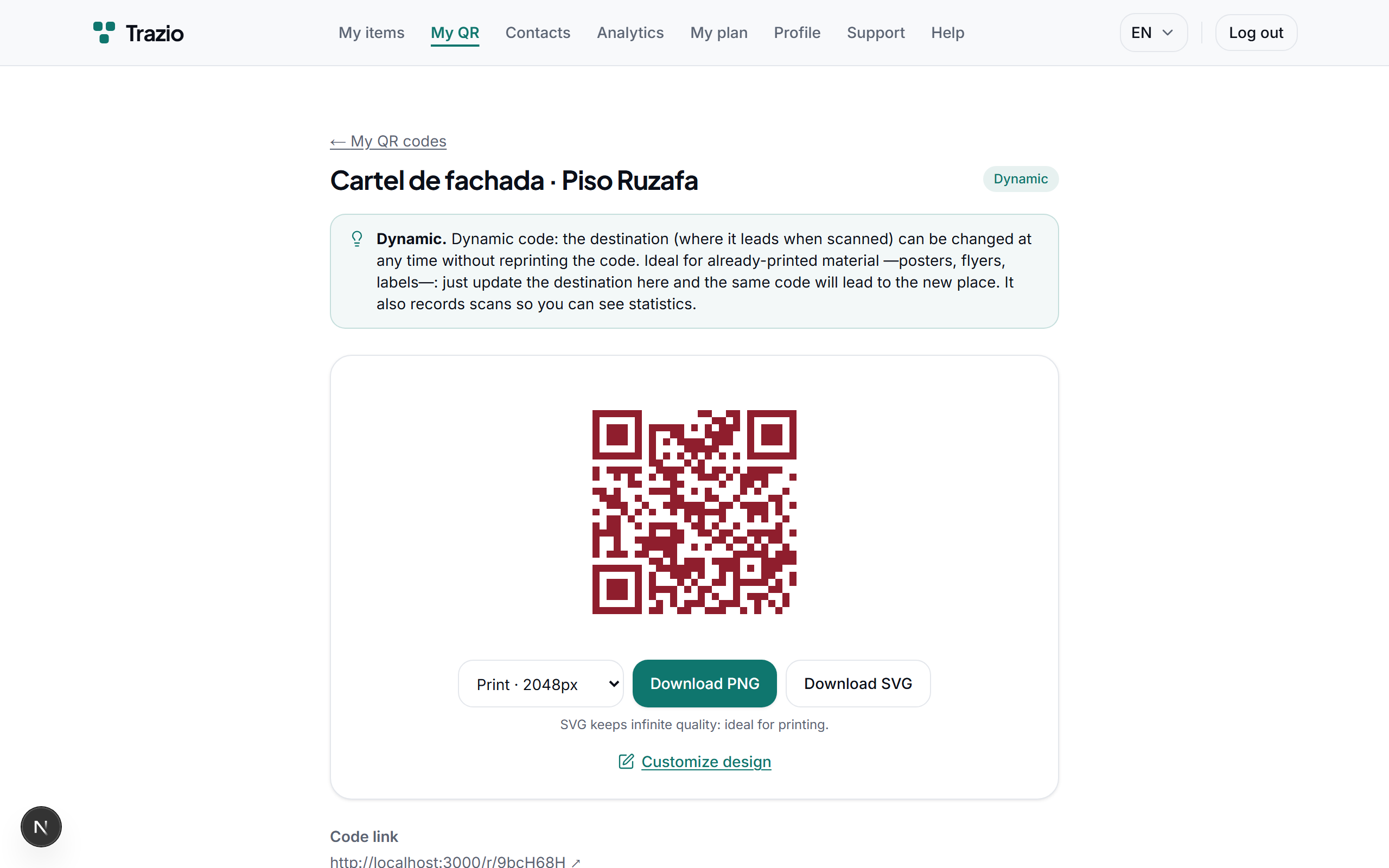
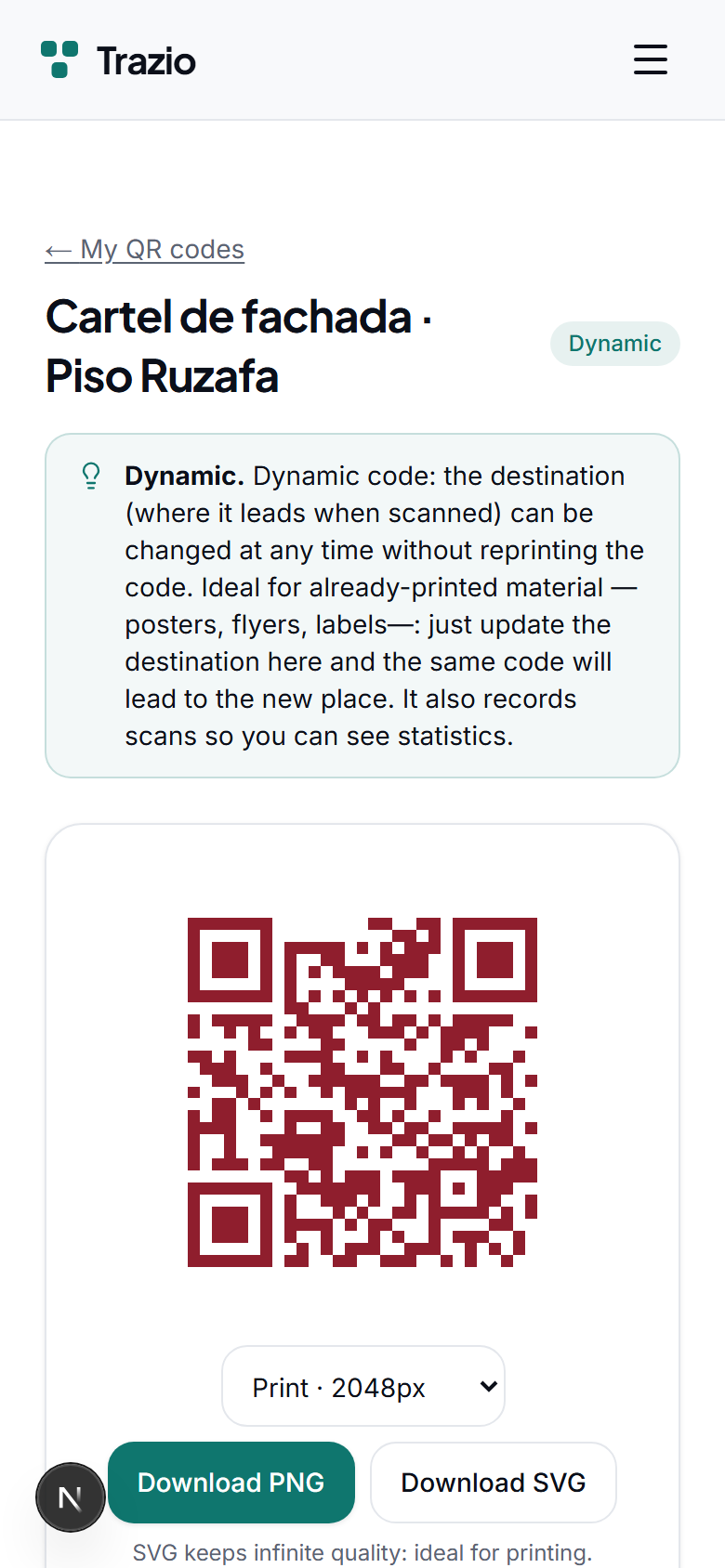
The dynamic code's details show the current destination. From here you can access the option to edit it.
- 2
Enter the new destination (another record or a web address) and save. The change applies instantly for anyone who scans the code.