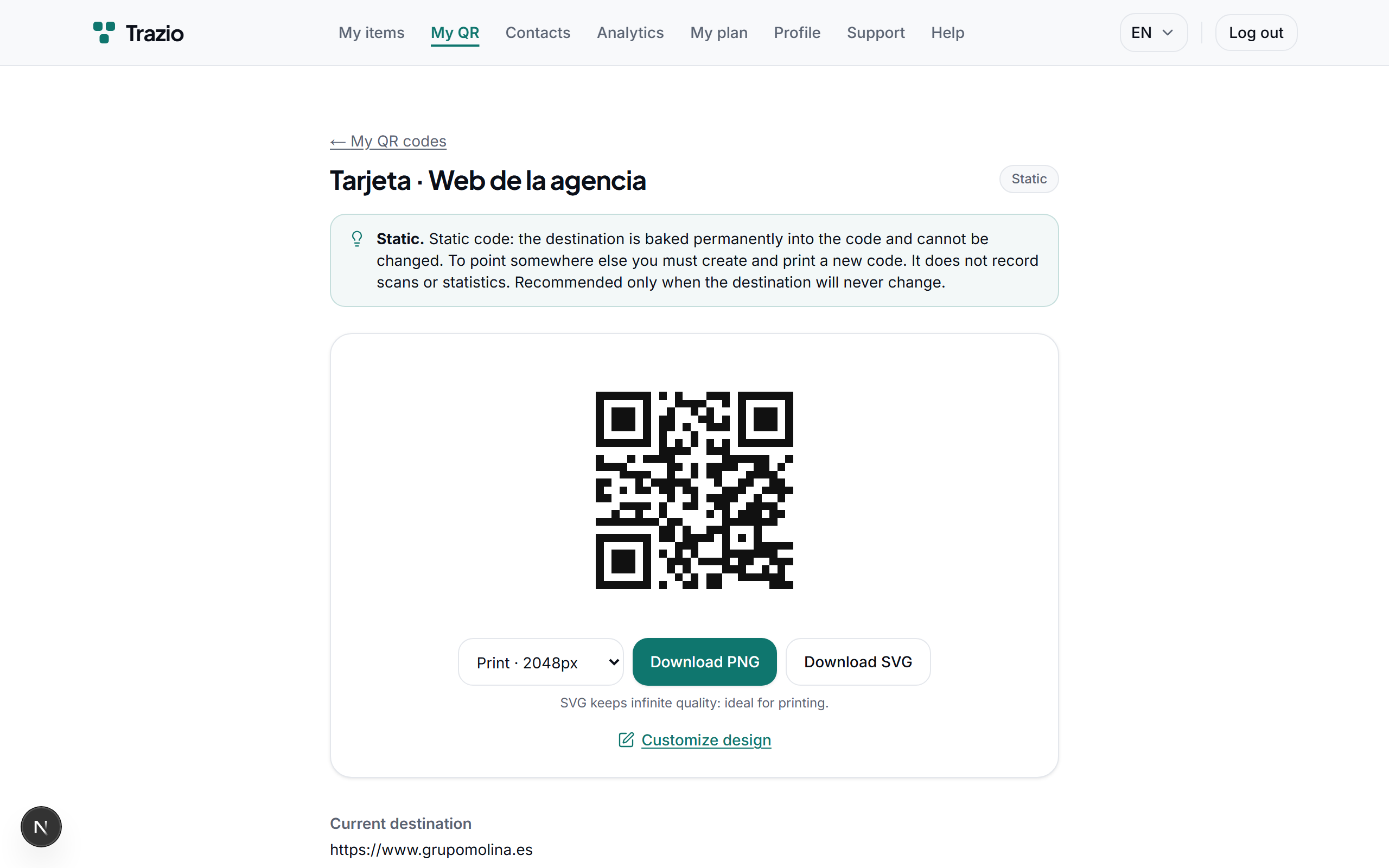
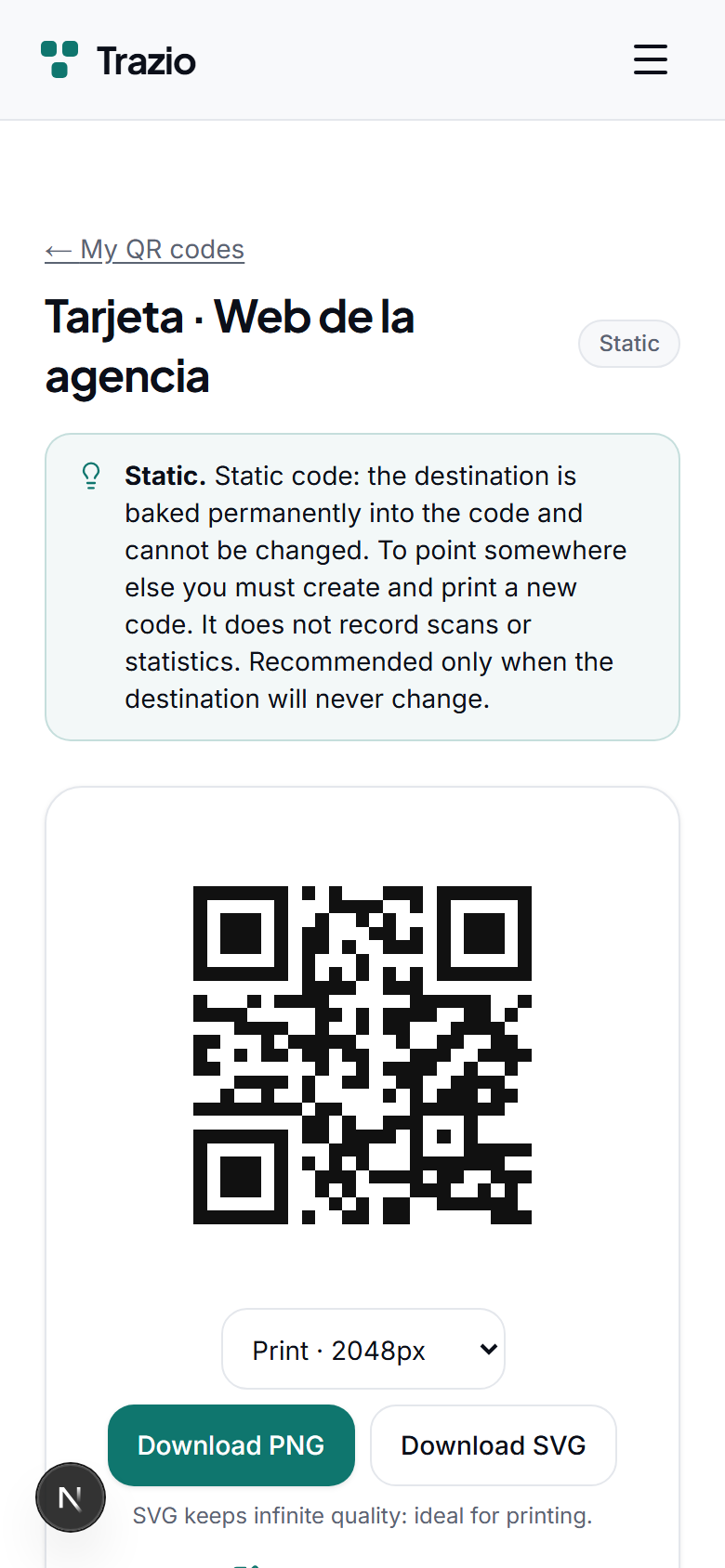
Create a static QR with a web address
A static QR links permanently to a web address. It is the right option when the destination will not change and you do not need to measure scans.
- 1
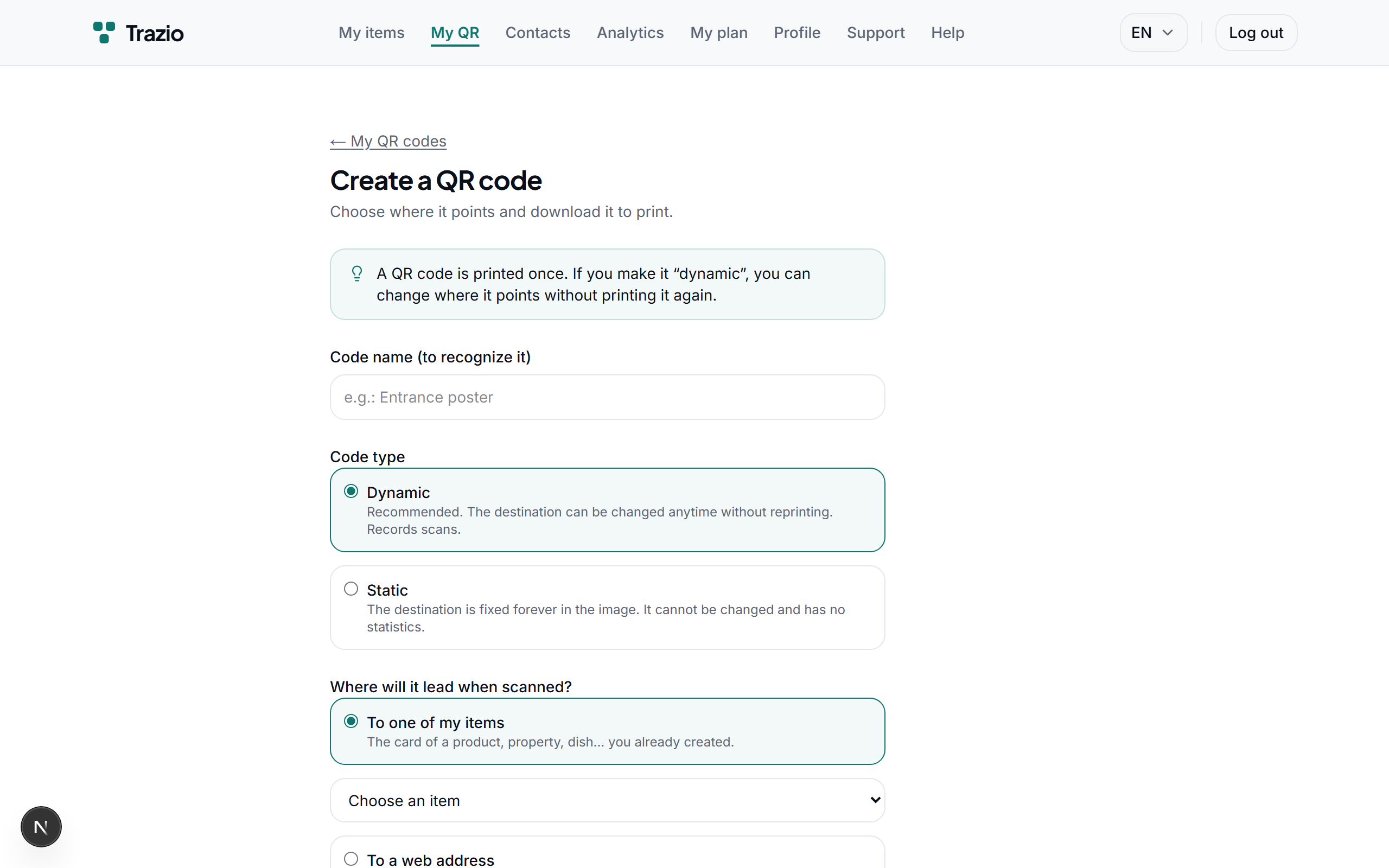
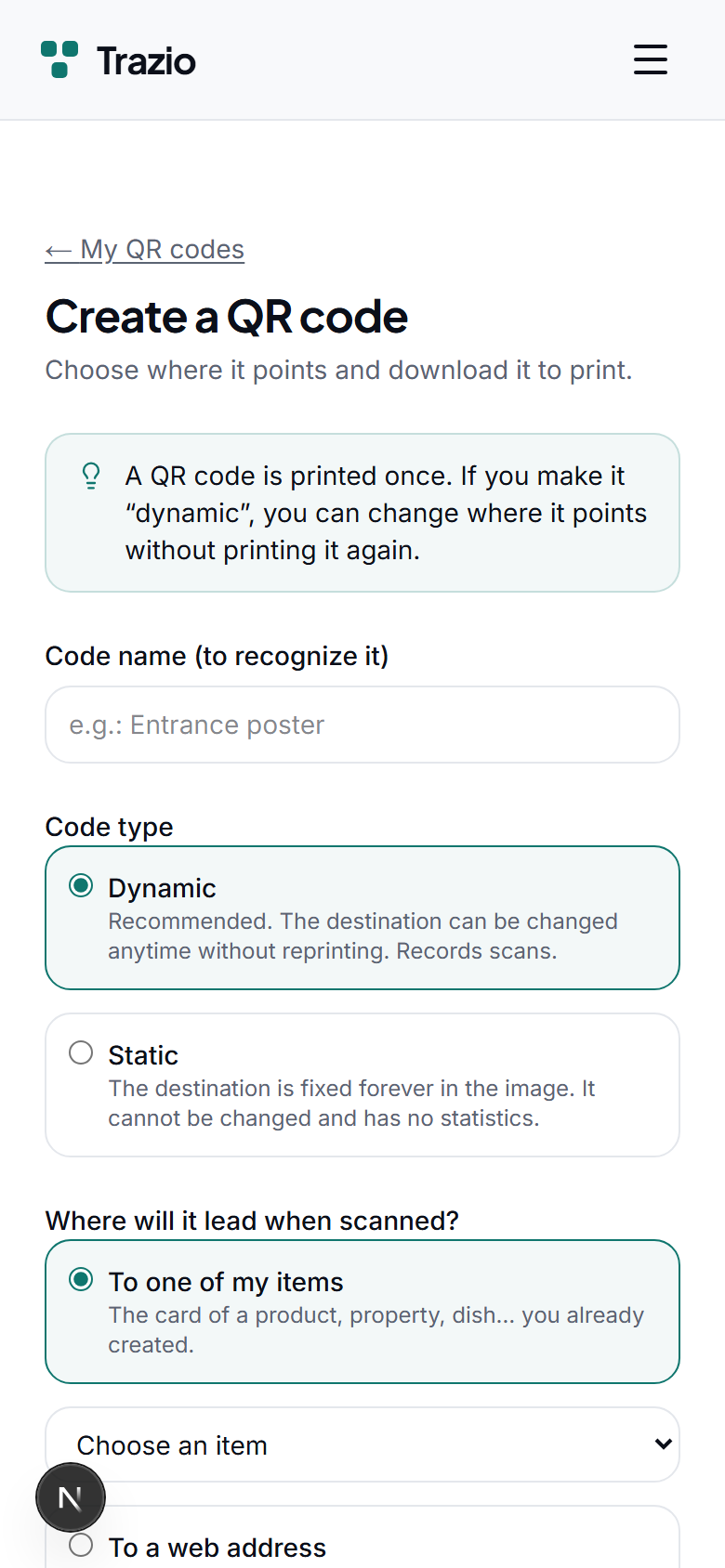
When you create the code, choose the static type and enter the destination web address. Review it carefully, as it will be locked into the image.
- 2
The generated code points permanently to that address. It cannot be changed afterward and does not record scans.