Create your first record
Creating a record means choosing a template, filling in the content, and publishing it. The result is a public page ready to link to a QR code.
- 1
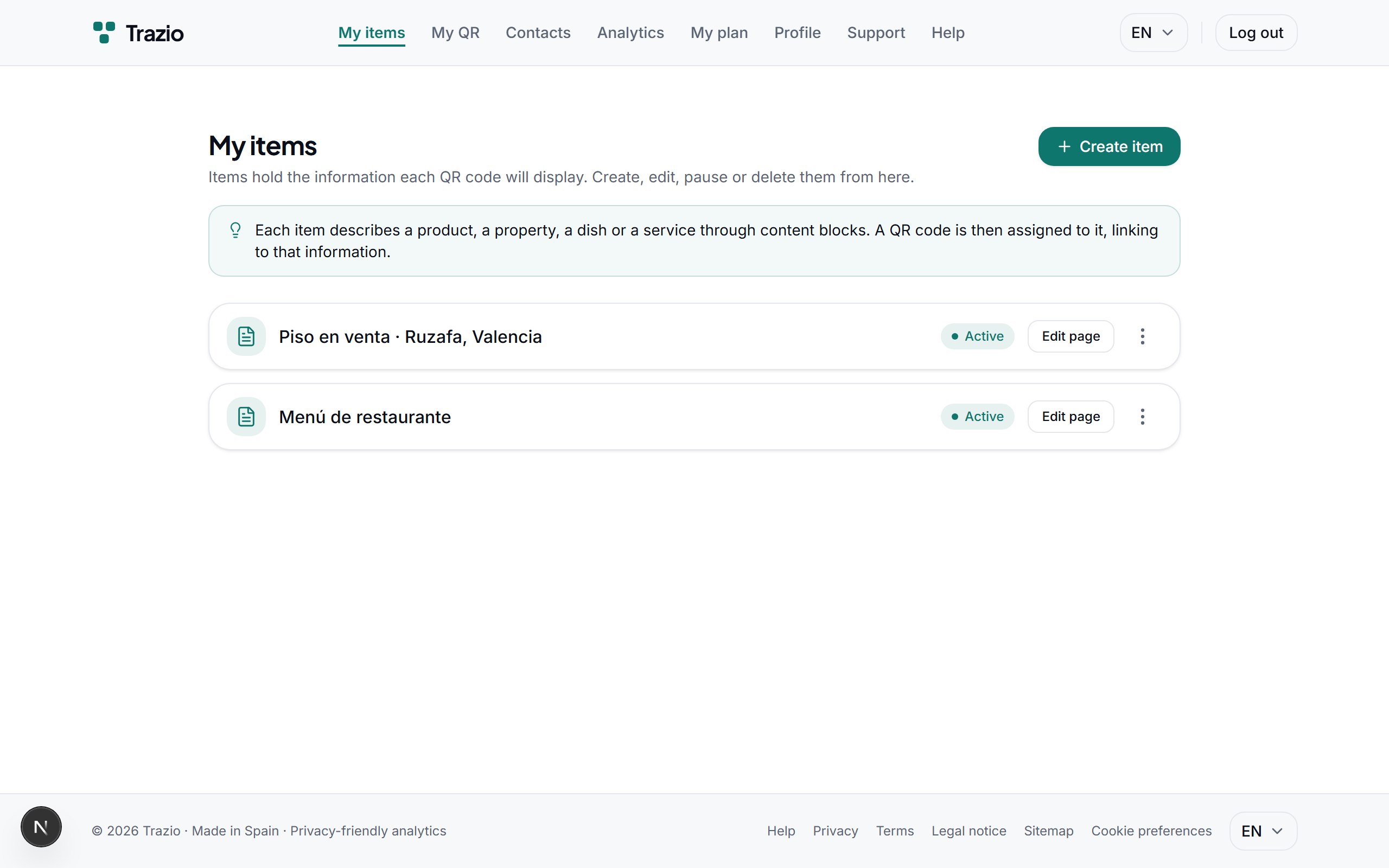
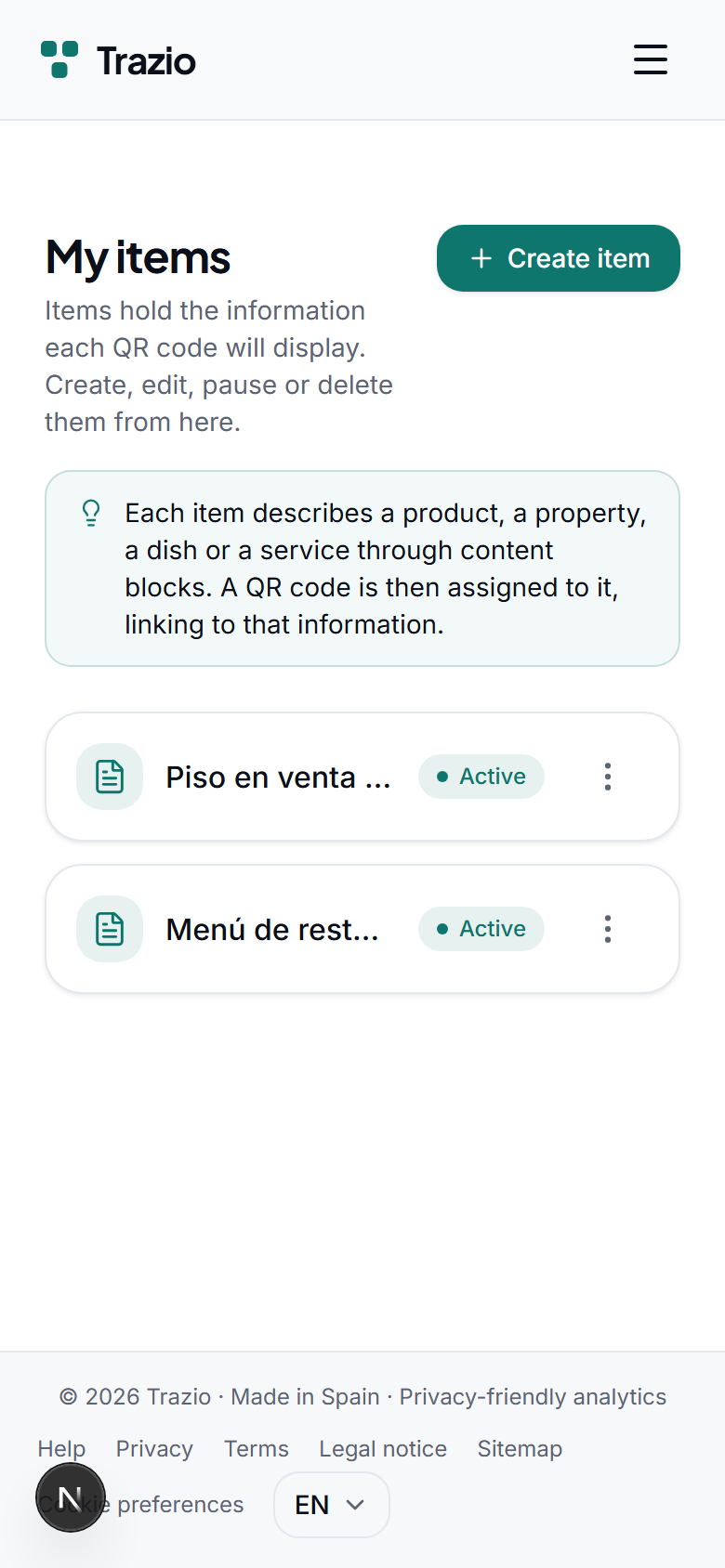
The records list shows every record you have created. To start a new one, click the create record button.
- 2
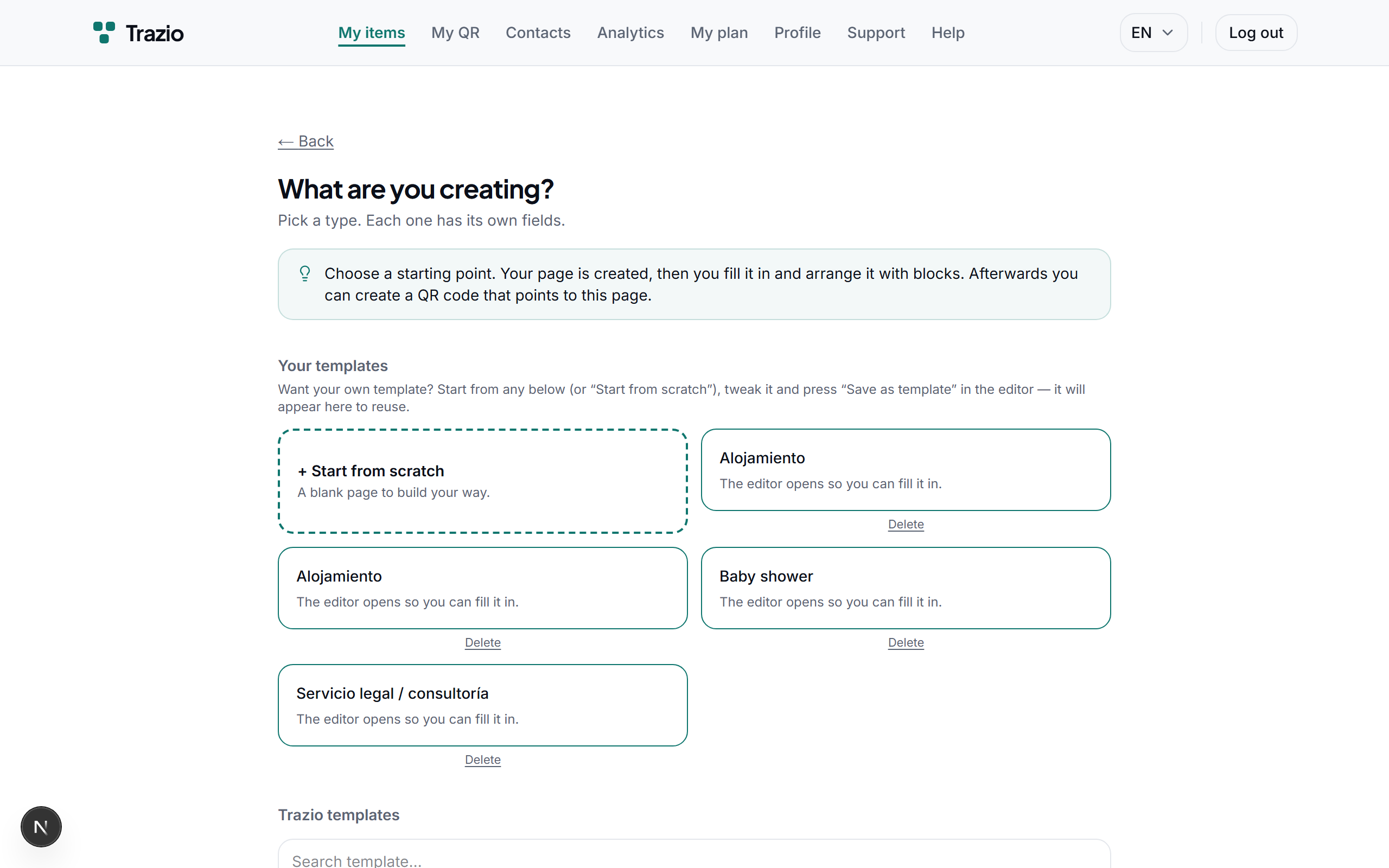
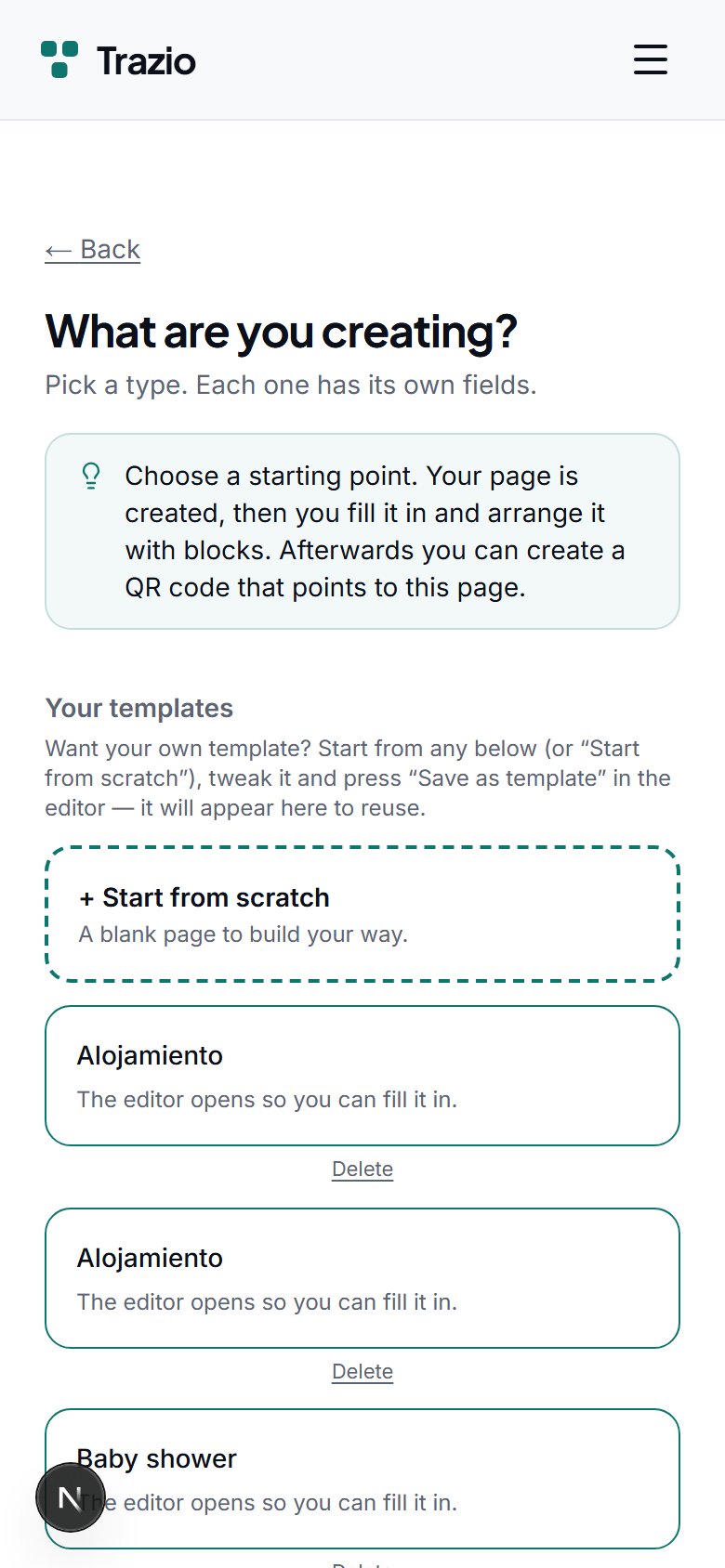
Select a template based on the intended use: property, dish, event, product, or others. The template defines the initial content structure.
- 3
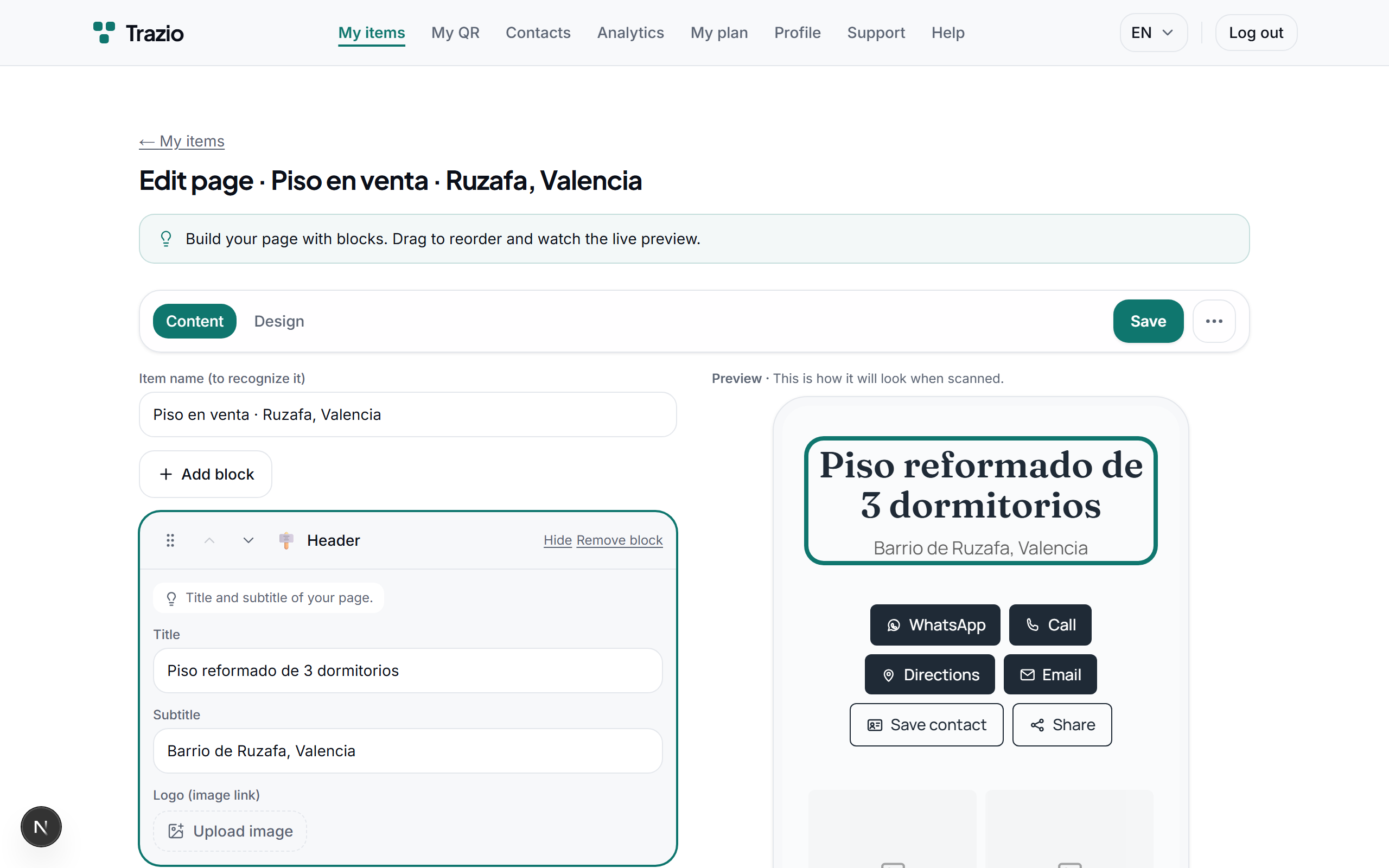
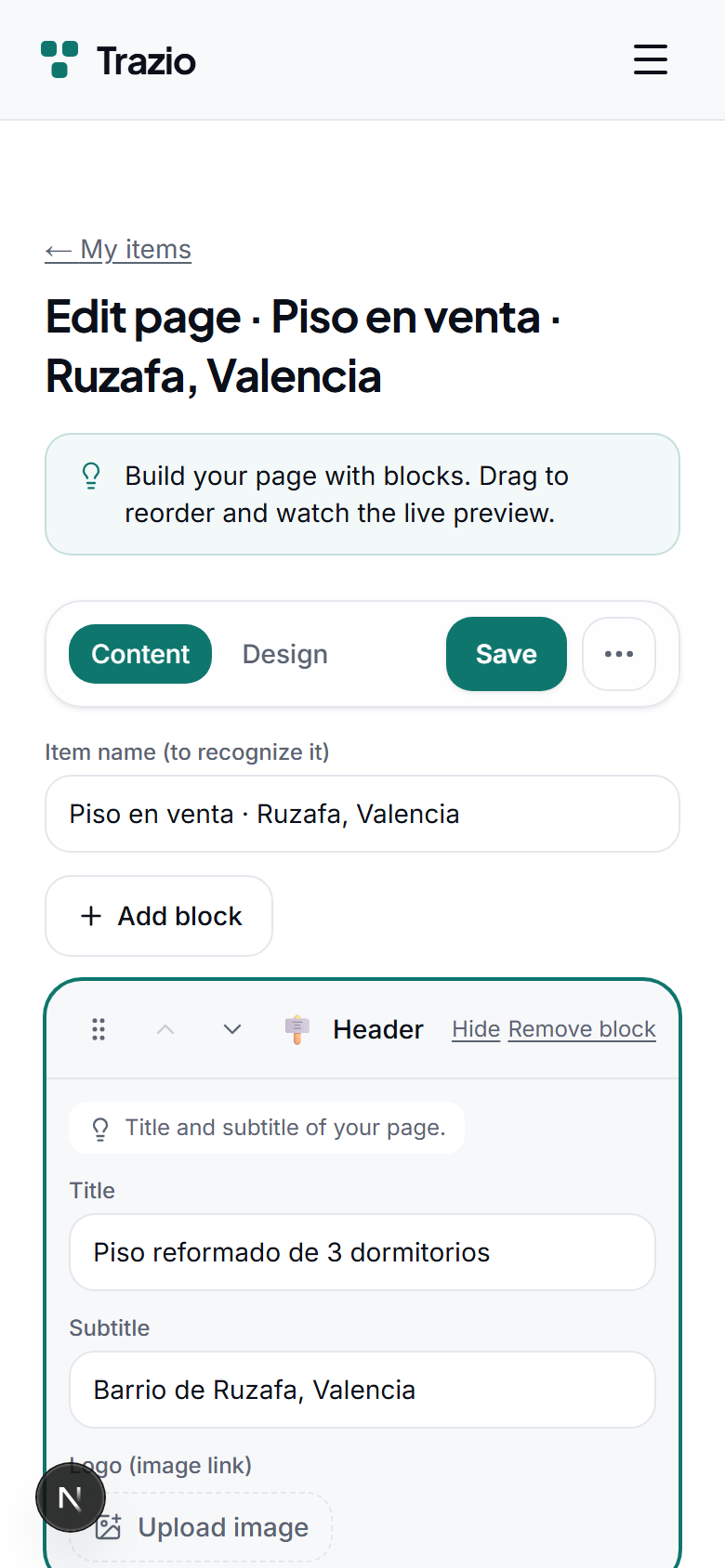
In the editor, you fill in the title, description, and images. Each field can be changed as many times as needed before publishing.
- 4
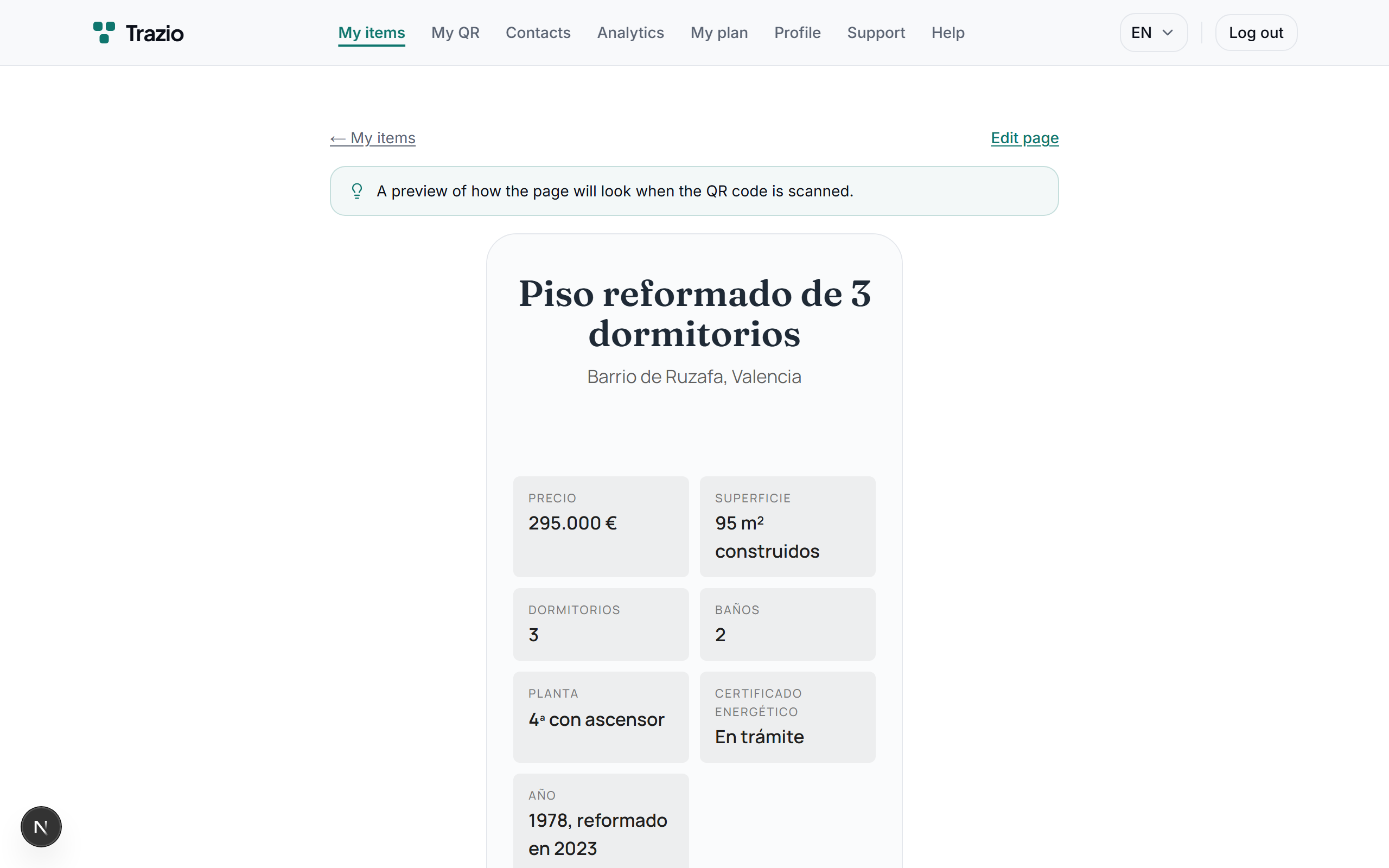
Once saved, the record appears with all its content and is ready to link to a QR code.
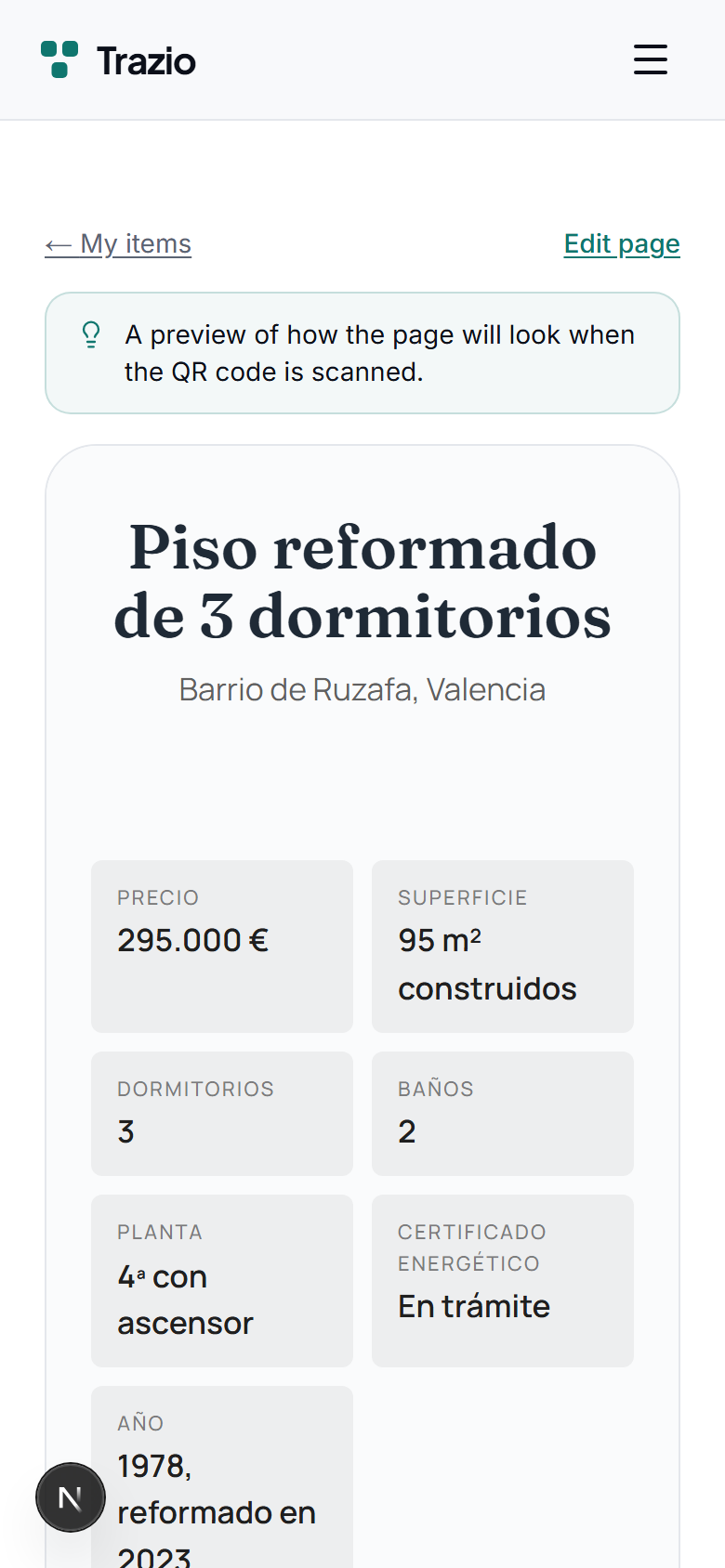
- 5
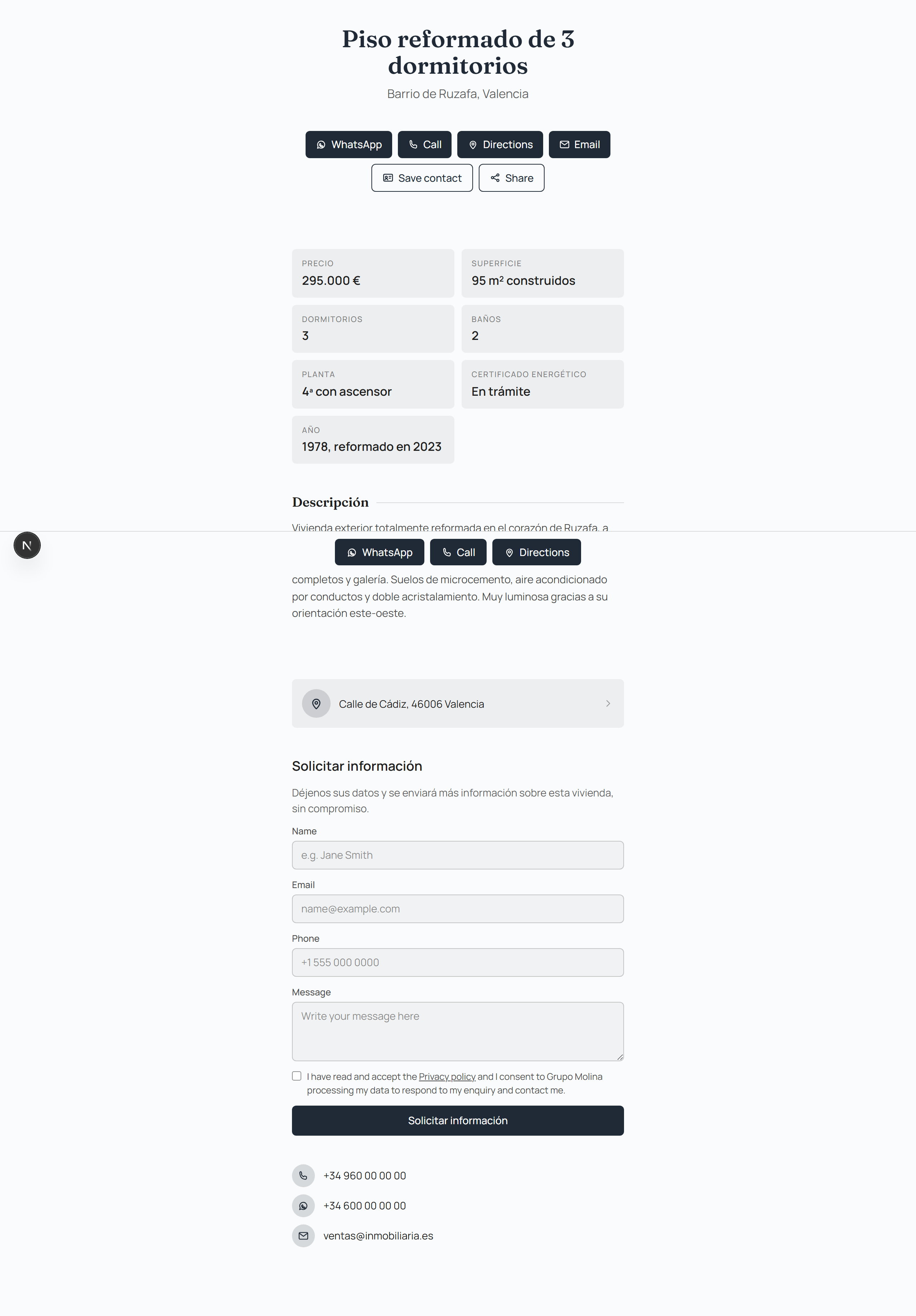
This is the public version, exactly as anyone will see it when they scan the code.