Create a dynamic QR and link it to a record
A dynamic QR can point to one of your own Trazio records. When scanned, it opens that record's public page directly.
- 1
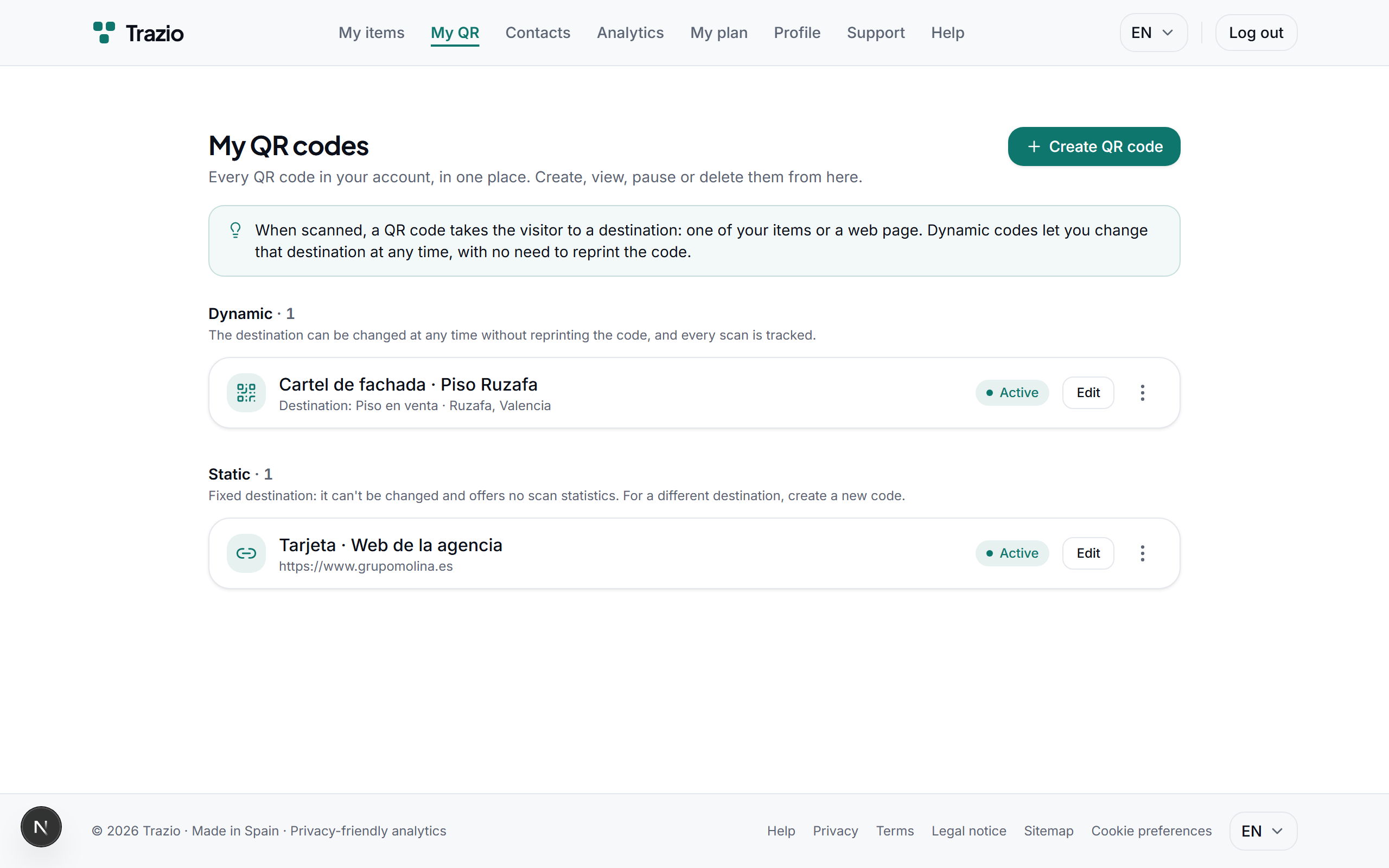
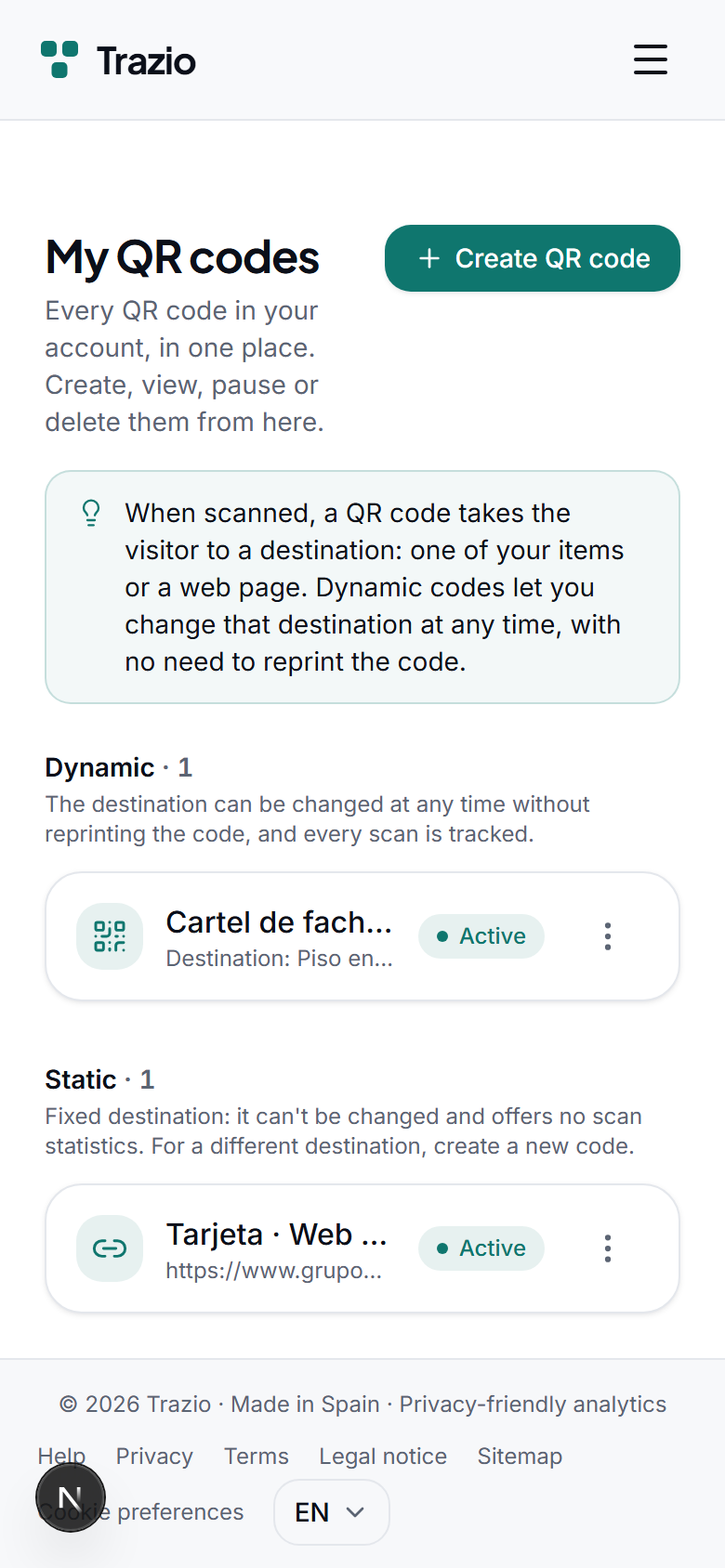
The QR codes list shows every code you have generated. To create a new one, click the corresponding button.
- 2
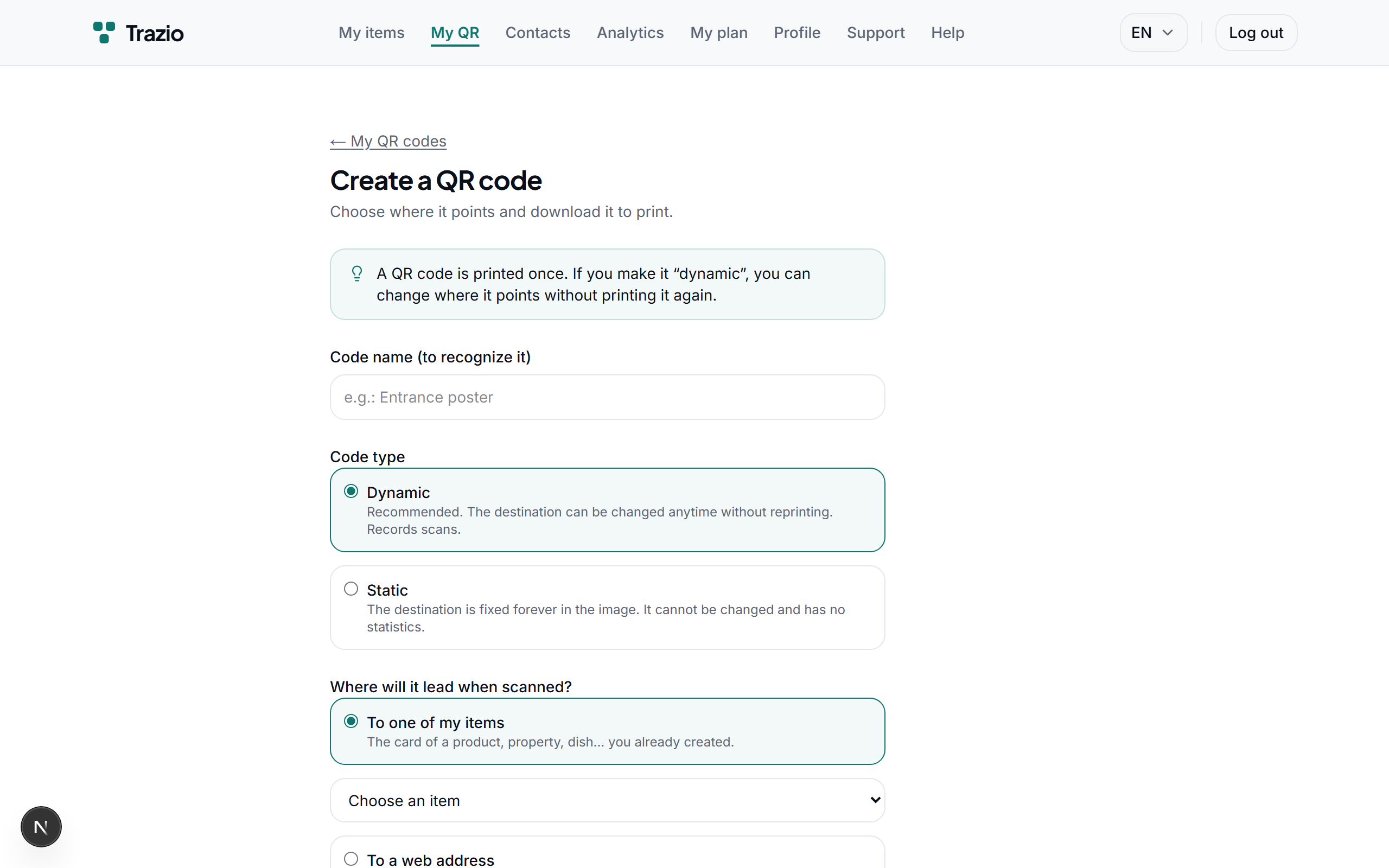
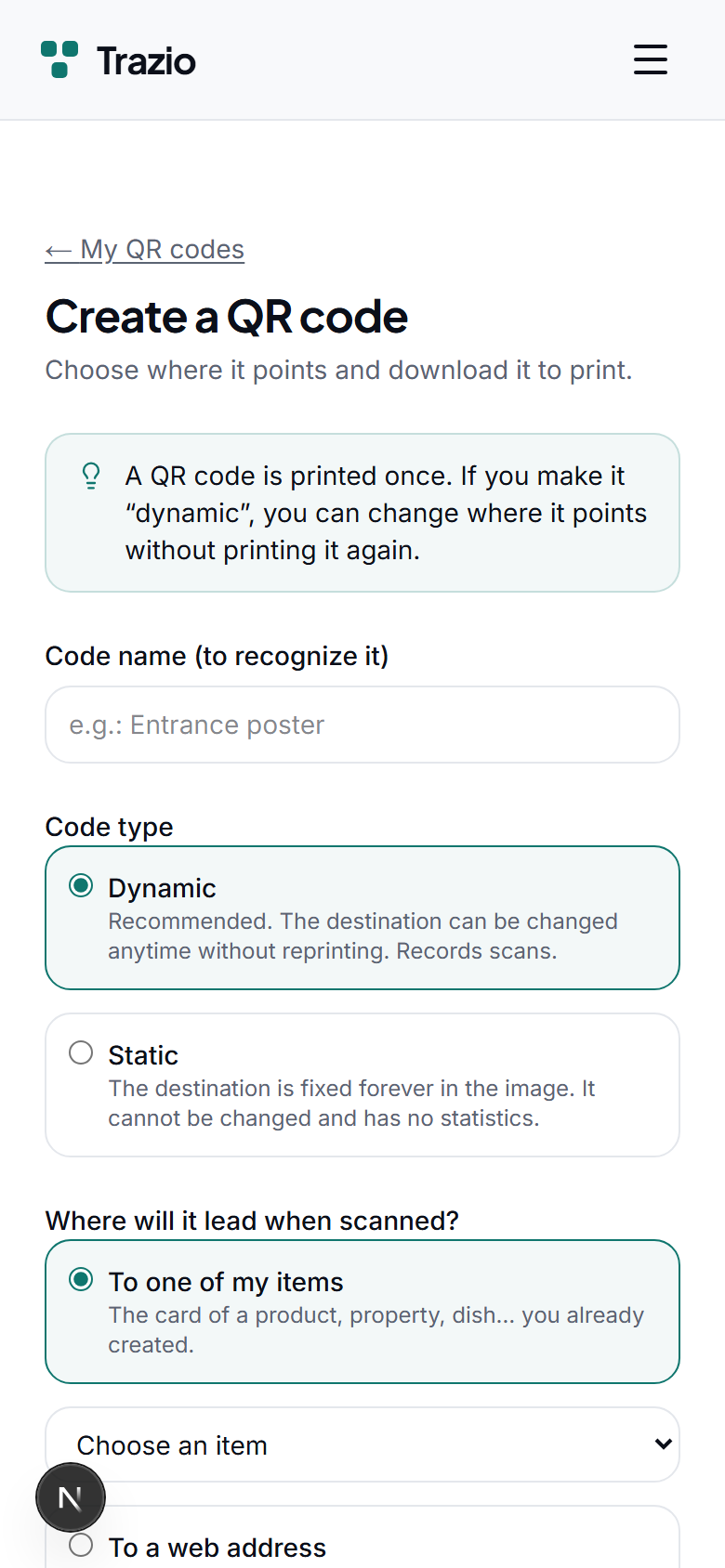
Select the dynamic type and set one of your records as the destination. You can also point to an external web address.
- 3
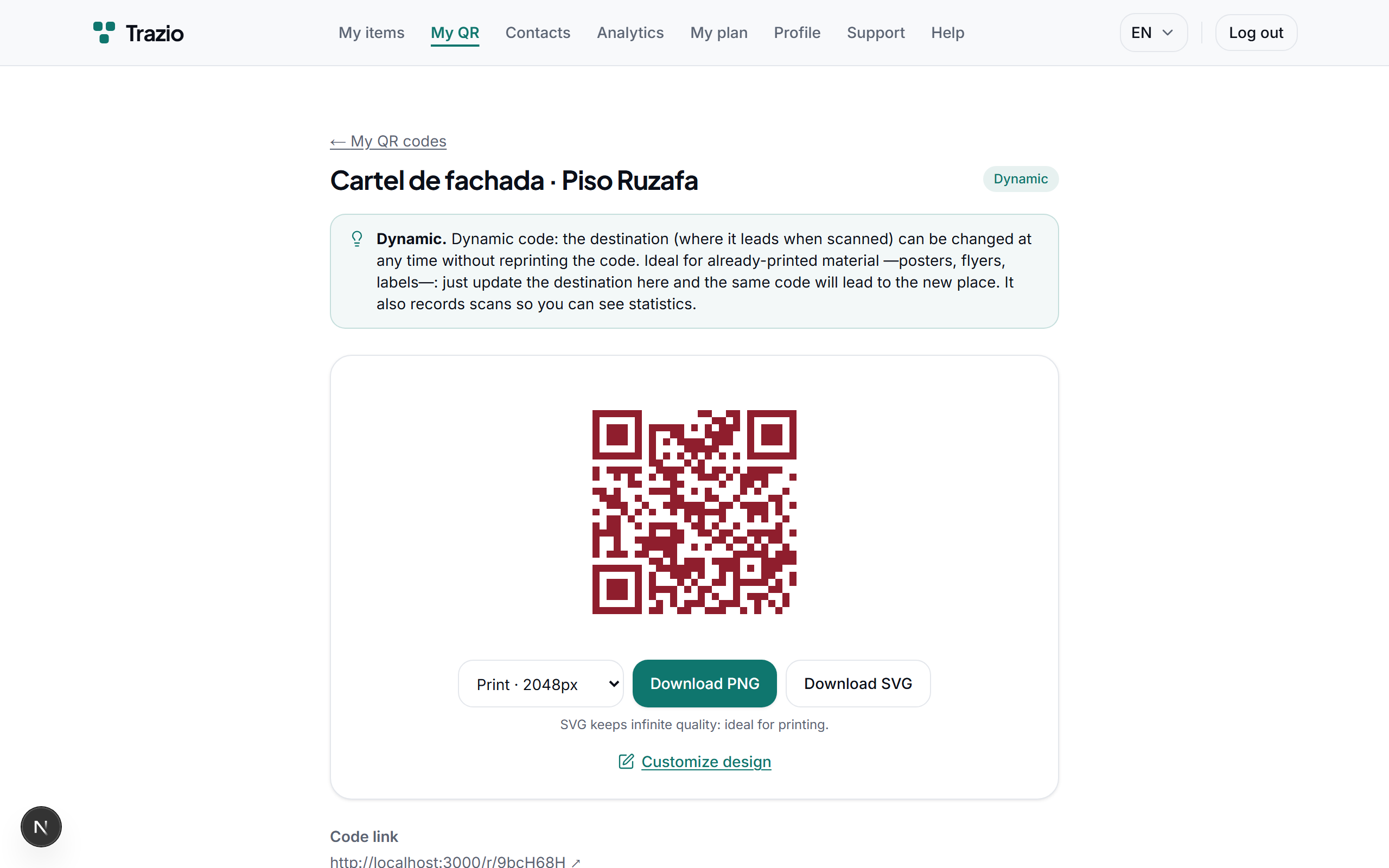
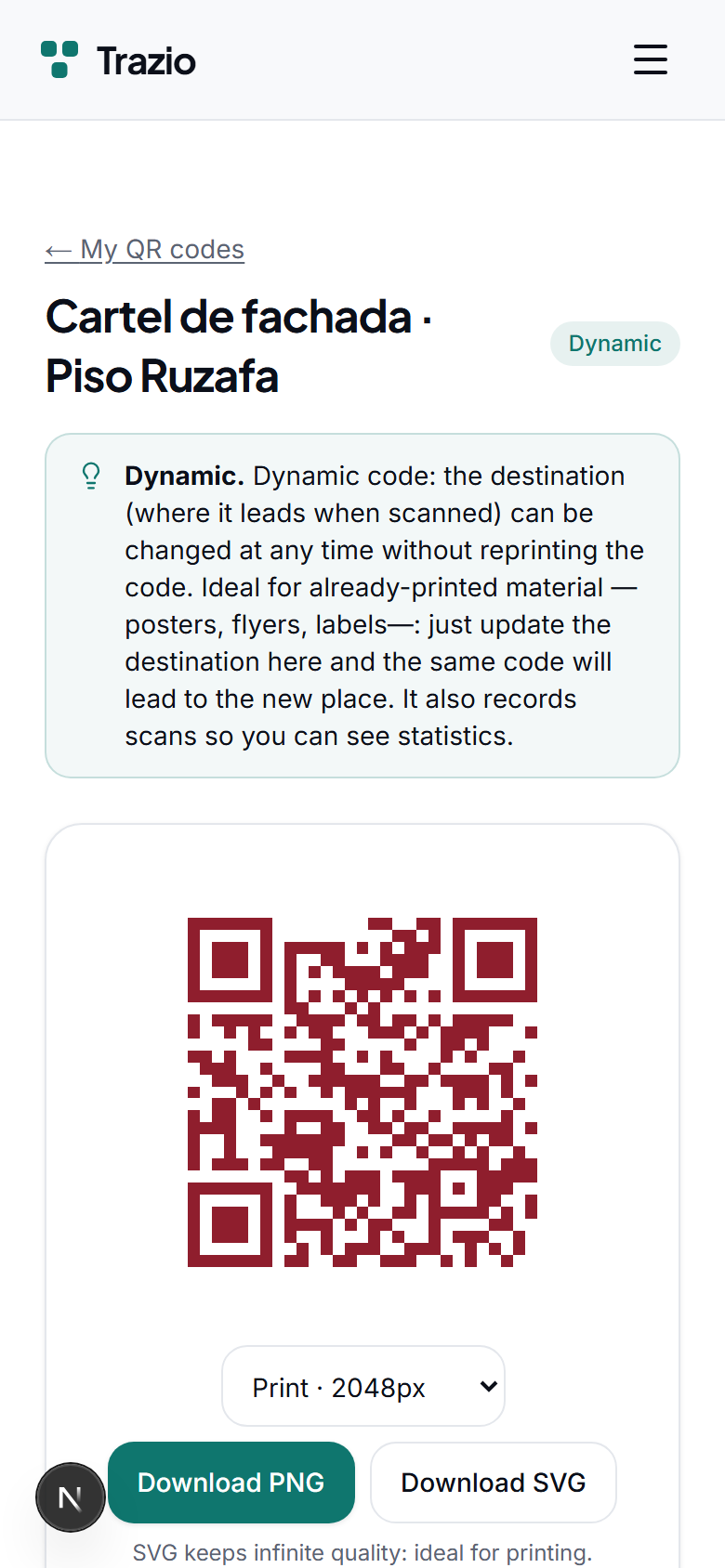
Once created, the code is shown ready to download and print. The destination is linked and can be changed later.